Visuals
AI imagery, made by me
- Year
- 2026
- Type
- Own project
- Product
- Bogner FIRE+ICE
- Tools
- AI image models
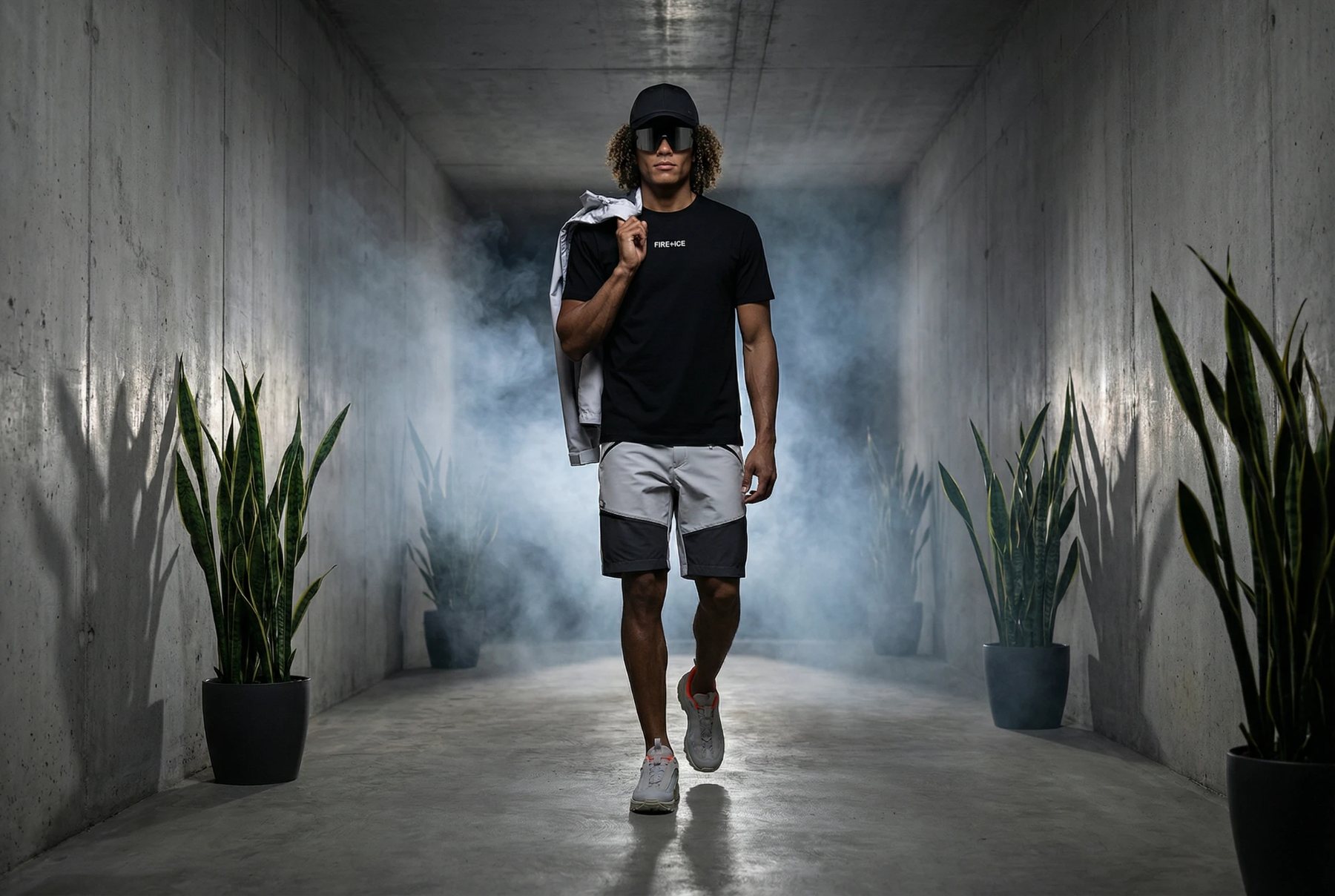
I didn't shoot the official FIRE+ICE campaign. But I wanted to know how close I could get on my own: create one model, keep him the same from picture to picture, and put the shoes into scenes that would otherwise need a full production, while keeping the shoes real.
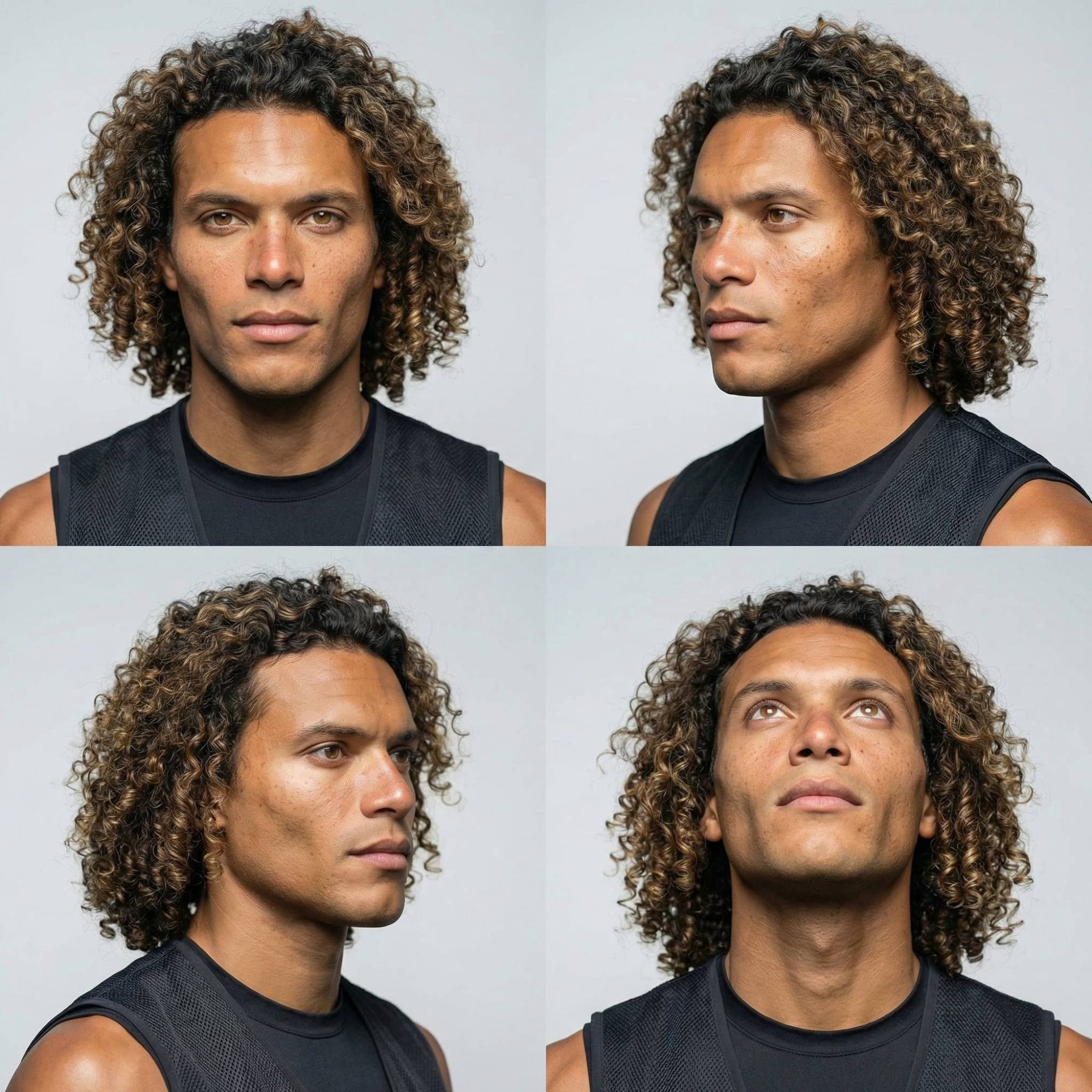
It starts with a character sheet: one face from four angles. That reference keeps him recognisable in every image that follows.
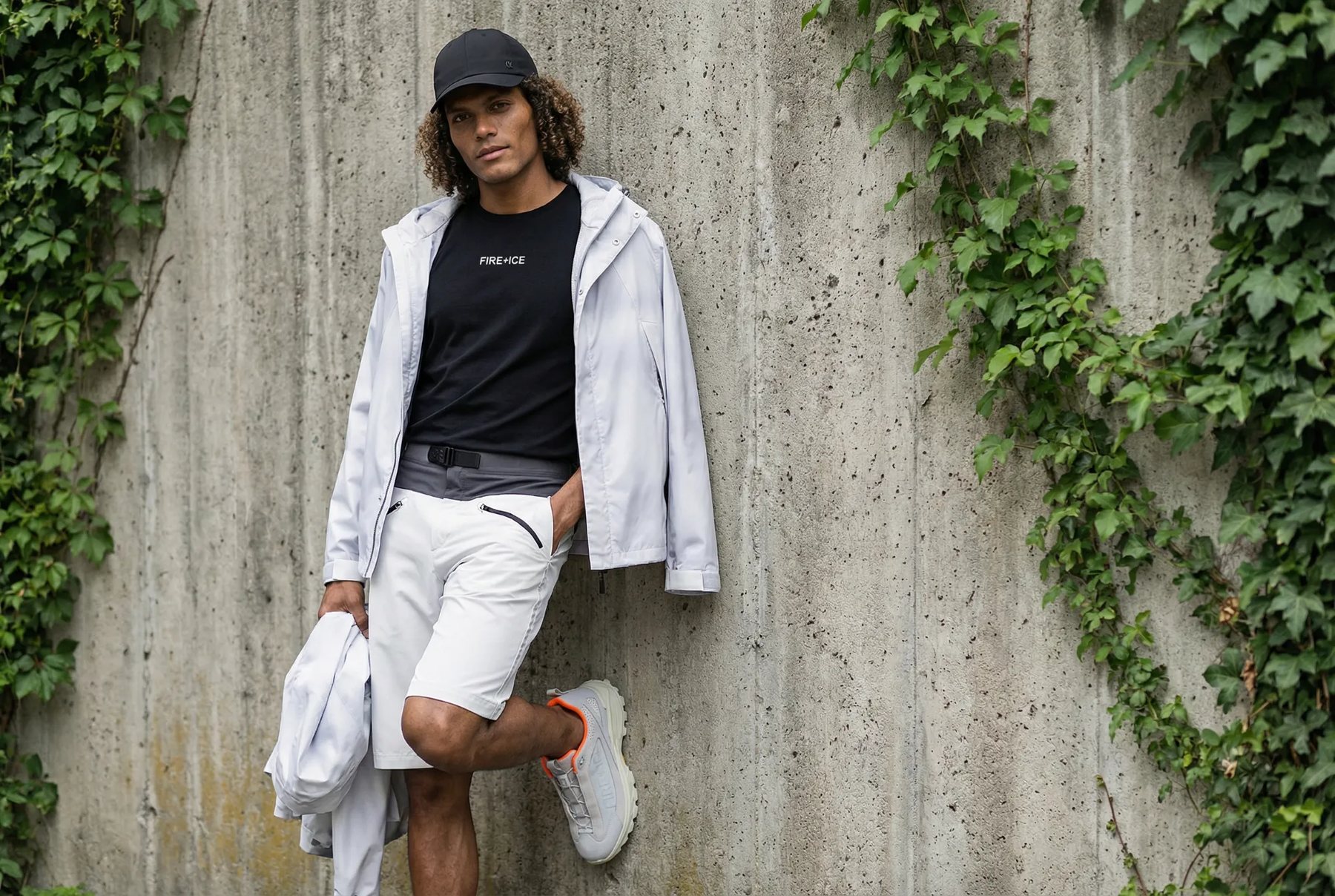
Same face, same brand, different places and light.
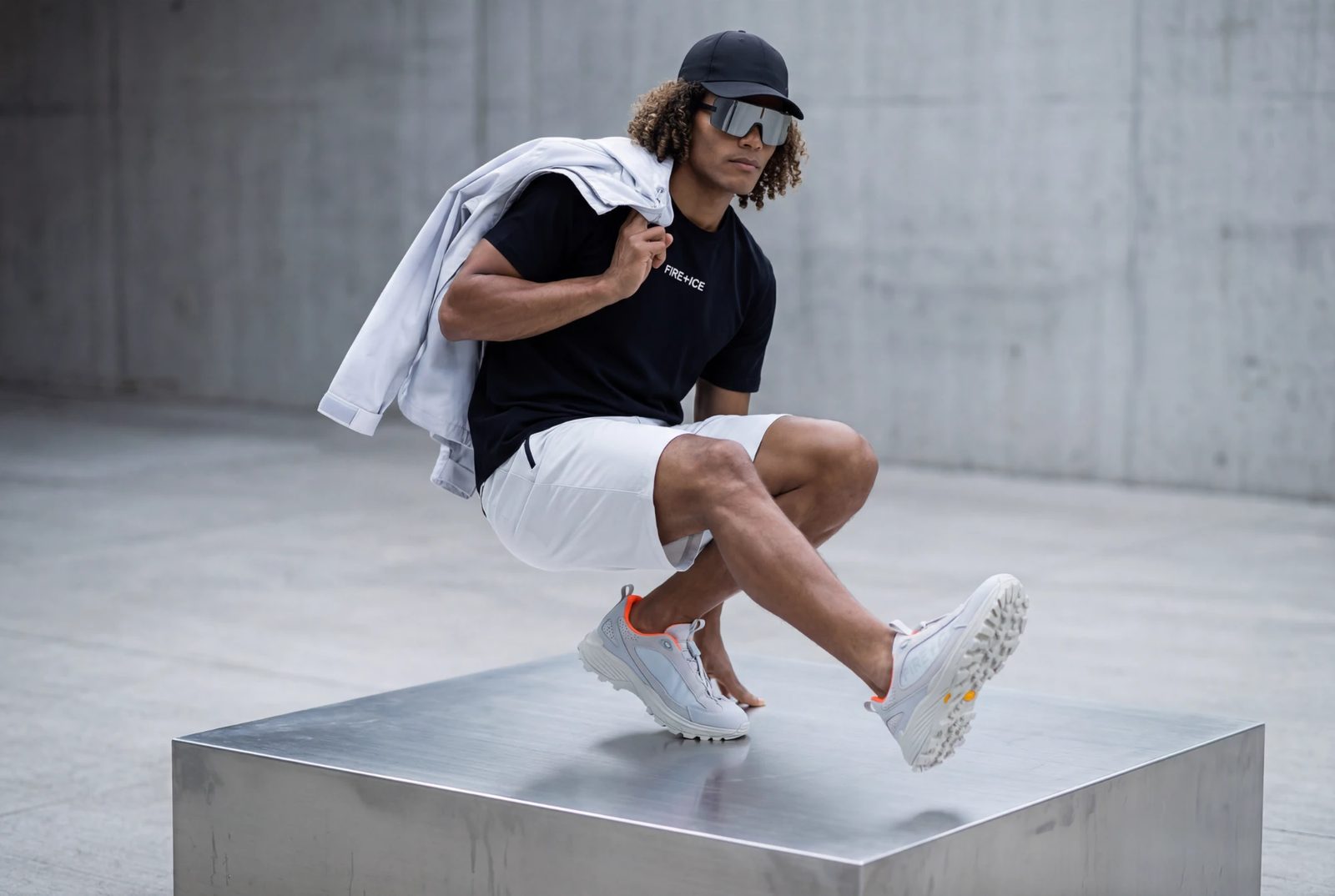
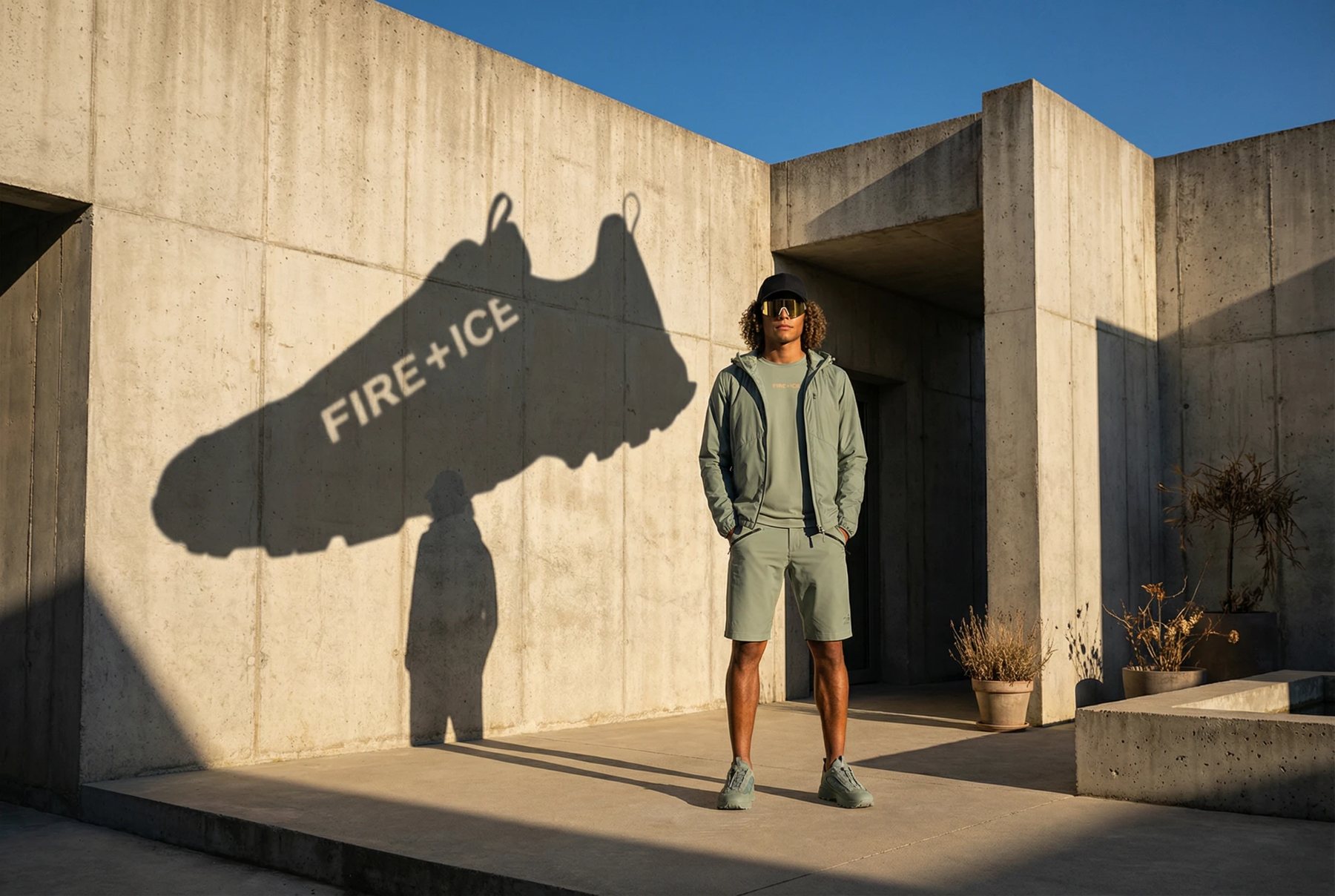
Product shots that would be hard to set up for real. Three images of the FIRE+ICE sneaker: one in a setting, one in action, one up close.
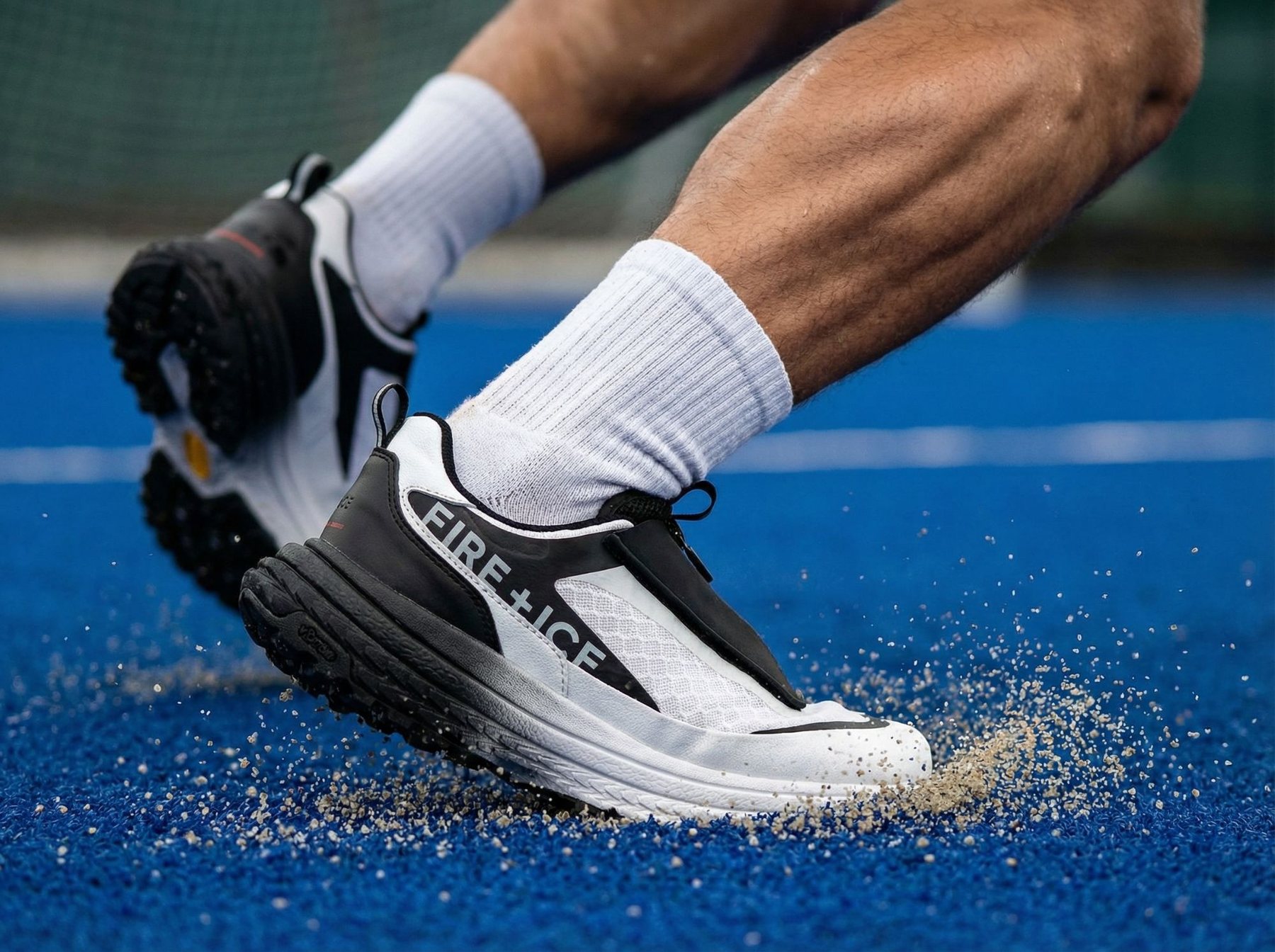
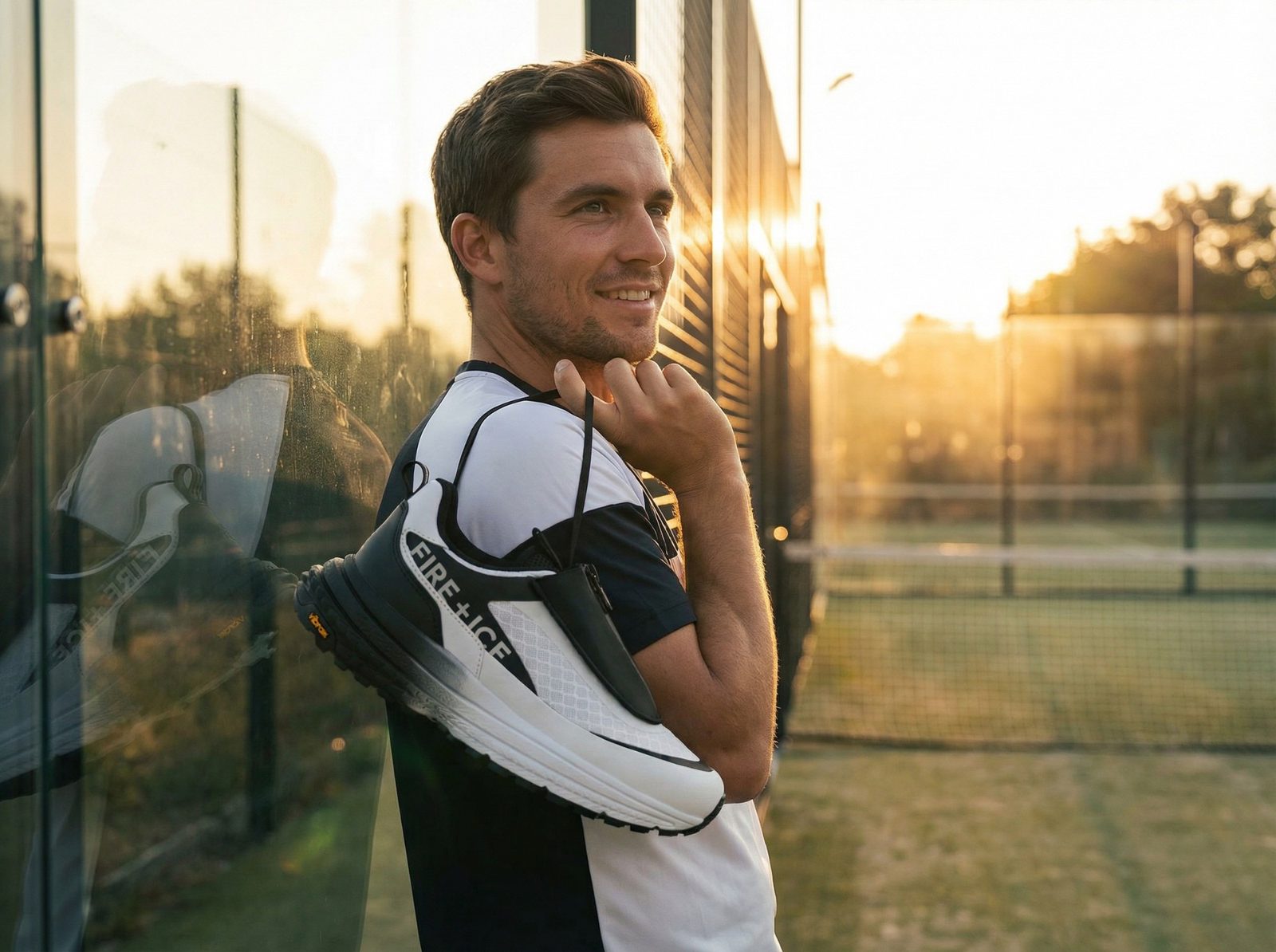
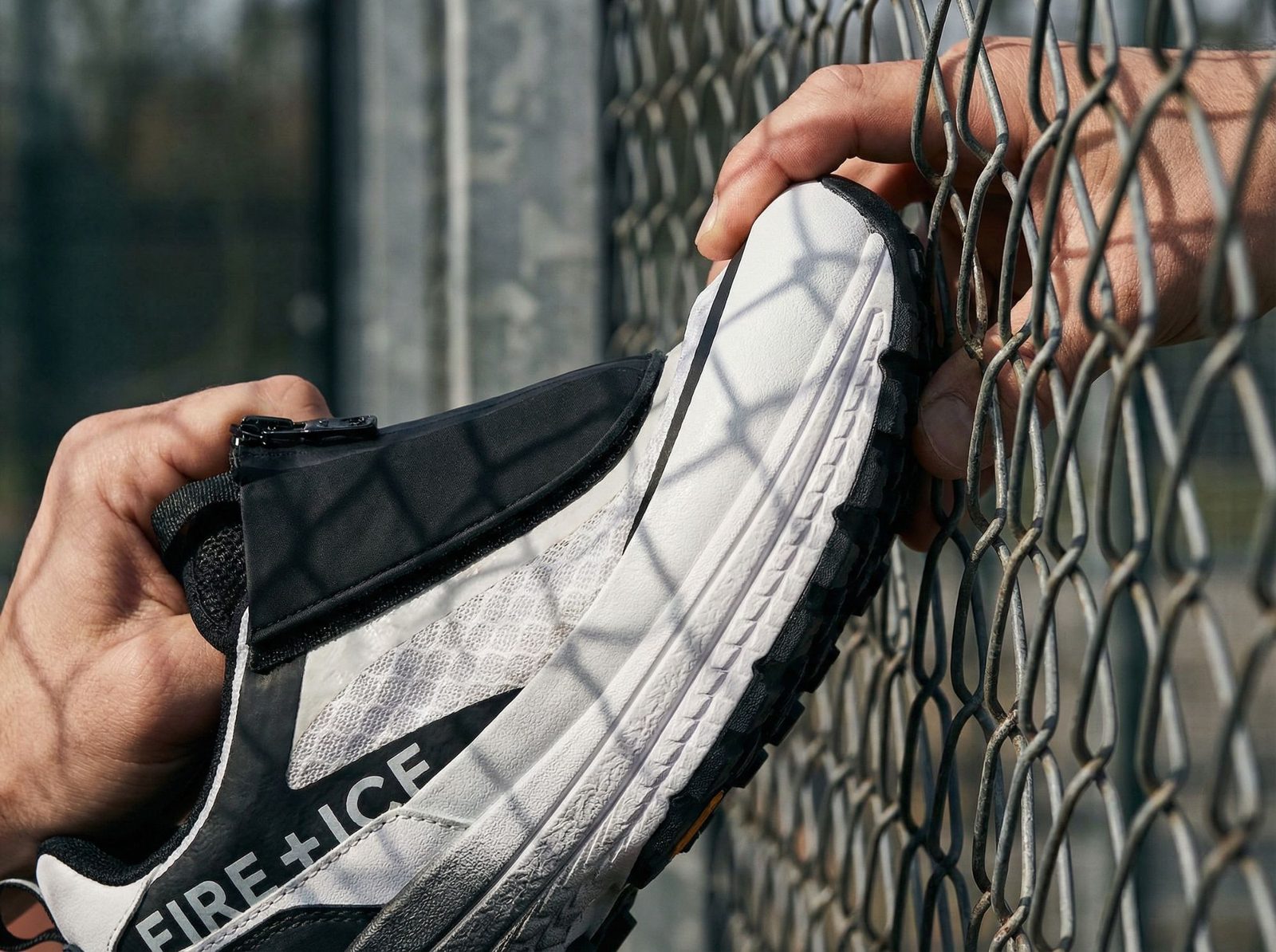
When I started with AI visuals at the end of 2025, a lot was not possible yet. Since then, the tools have made a lot of progress.
What I learned along the way: combine real shots with the real product, so it looks exactly as it is and not just close, and keep the model consistent from one image to the next. Overall, a good reference sheet at the start saved more time than any prompt later.
All images on this page are AI-generated. Product: Bogner FIRE+ICE.